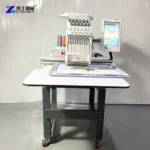
A logo embroidery machine turns a prepared stitch design into repeated decoration on a supported textile item. For a business making branded garments, bags or caps, a useful result depends on three things agreeing: the logo’s finished appearance, its position on the item and the workholding arrangement that presents the material to the needles. Needle count alone does not settle those questions.
Start with the actual customer order. A small chest emblem, a large panel design and a cap-front mark place different demands on access and framing. A compact single-head machine can be a starting option for suitable small orders, while the finished item and approved design determine whether its working area and accessories fit the task.
A Logo Embroidery Machine Needs Stitchable Artwork, Not Just a Clear Image
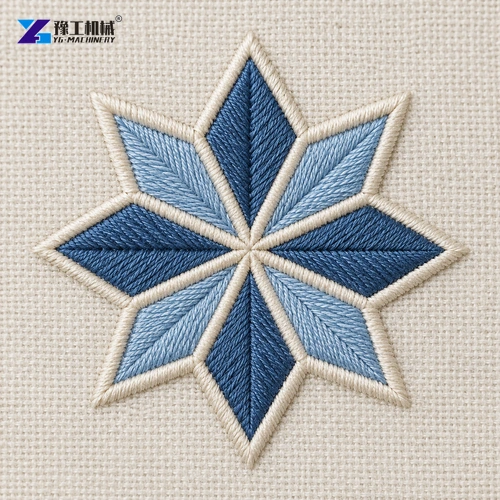
A printed logo is an arrangement of colours and edges; embroidery must express those shapes through physical thread paths. Narrow strokes, small gaps and fine lettering can disappear when converted to stitches at a small chest-logo size. A logo embroidery machine follows a prepared stitch design. USB import does not establish that the controller can automatically turn any image file into production-ready embroidery.
The design needs to distinguish narrow borders from broad filled regions and decide where each colour starts and finishes. Scaling a finished stitch file is not equivalent to redrawing the artwork: the resulting spacing, coverage and smallest details can change. Approve a sample at the intended finished size before treating a larger machine field or more needles as the solution to unclear lettering.
Position still matters, but it must be assessed on the finished item. A design that fits within the nominal field may be impossible to reach inside a narrow assembled bag or above a pocket without catching another layer. A loose fabric panel removes that access restriction; it does not prove that the same logo can be stitched after the product is assembled.
Discuss the logo at its finished size and on the intended textile.
MINI1201 Configuration for Compact Embroidery Work
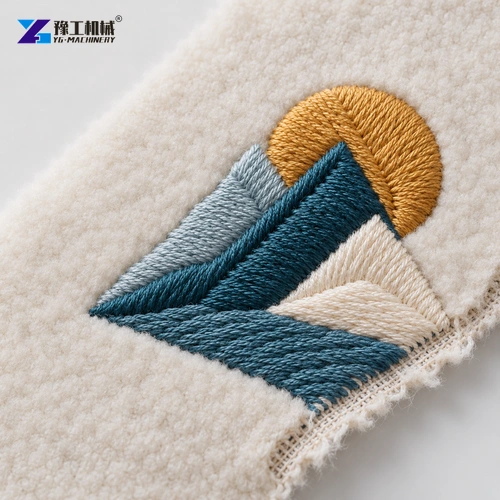
The MINI1201 is one compact single-head configuration within the broader embroidery-equipment family. Its table provides a concrete machine example for assessing suitable logo work. The product-family photographs show different arrangements and accessories; visual resemblance does not identify an exact model or establish that every pictured item is included.
| Parameter | MINI1201 |
| Heads | 1 |
| Needles | 12 |
| Working area | 200 × 300 mm |
| Listed maximum speed | 1000 rpm |
| Controller | Dahao A15 |
| Packaging | Carton |
| Package dimensions | 0.65 × 0.575 × 0.765 m |
| Gross weight | 50 kg |
| Electrical options | 110 V / 60 Hz or 220 V / 50 Hz |
| Pattern import | USB |
| Cap-frame feature entry | 270° wide cap frame |
The working area describes a configuration limit, not the usable embroidery area at every position on every item. Confirm the selected hoop, mounting arrangement and product access. Likewise, maximum speed is not the number of finished logos produced per hour; design complexity, colour sequence, handling and inspection affect the order cycle.
When comparing a logo embroidery machine, keep the selected configuration and its supplied accessories explicit. The YG embroidery equipment range provides the broader product relationship. Do not mix the MINI1201’s dimensions or weight with a larger floor-standing or multi-head model.
Compare the MINI1201 configuration with the work and accessories required.
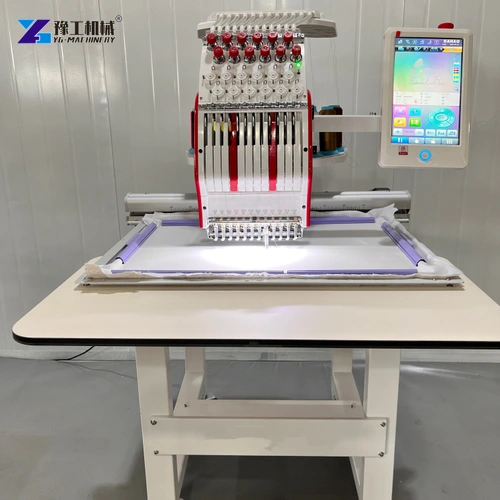
Match the Frame to the Material and Product Shape
Stretch and Surface Texture Change Logo Stitch Support
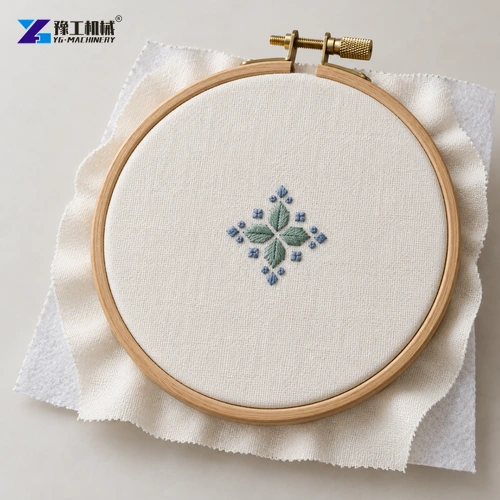
Stitches pull against the textile as the design builds. A flexible knit can distort around a dense filled area, while a pile surface can swallow fine lettering. Underlay, backing and the design’s stitch settings address these different material behaviours. More surface stitches are not always the answer: excessive concentration can make a small emblem stiff or distort the surrounding fabric.
For a logo embroidery machine moving from woven workwear to fleece, preserve the brand artwork but reassess the stitch design and support on the new material. The approved version should be associated with that fabric, size and framing arrangement. A single file name without those details can hide significant differences between two apparently identical repeat orders.
Cap Curvature and Centre Seams Restrict the Usable Logo Area
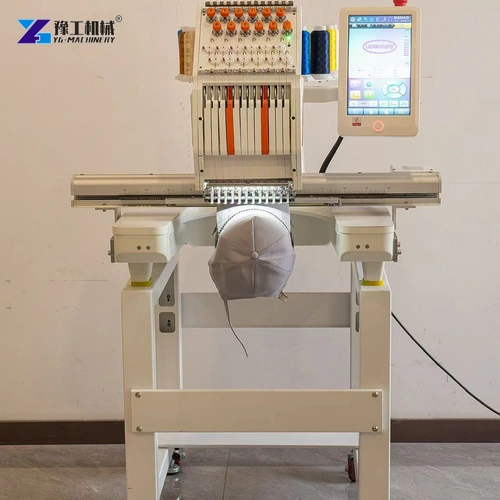
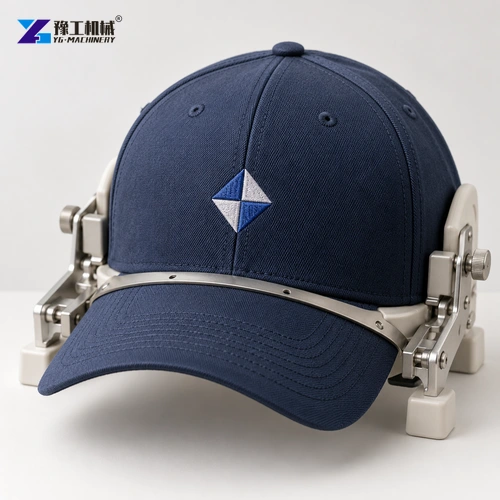
A cap presents a curved, assembled surface rather than a flat rectangle. The crown shape and centre seam can affect how the material is held and how a design sits across it. The MINI1201’s 270° cap-frame feature is not a 200 × 300 mm cap embroidery field. The actual cap device, product shape and approved design determine the usable area.
Confirm the cap device and its included components in the quotation, then assess the design on the intended product. Keep accessory selection separate from the head and needle count. A machine with enough needle positions can still need a different workholding setup for a shaped item. For related product scope, see the single and multi-head embroidery equipment.
Match the holding arrangement to flat items or the intended cap shape.
Twelve Needles Reduce Colour Reloading; They Do Not Create Twelve Heads
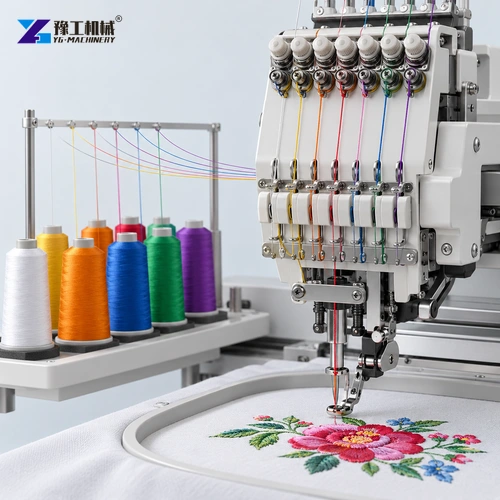
On a single-head multi-needle machine, different needles can carry the threads needed by the programmed colour sequence. The machine selects the relevant needle; it does not stitch twelve separate garments simultaneously. This is useful for a recurring multicolour emblem because the required threads can remain assigned to needle positions between suitable jobs. Head count, by contrast, determines how many items can be embroidered in parallel under the machine’s arrangement.
A logo embroidery machine’s 1000 rpm maximum is also not a finished-logo rate. Two designs of equal outer size can contain very different stitch counts and travel sequences. Colour changes, framing and item exchange add time outside uninterrupted stitching. A business producing short personalised orders should evaluate the complete sample cycle rather than divide an order quantity by the maximum speed.
Handling time matters for short personalised orders. Items still have to be prepared, framed, loaded, unloaded and inspected. A business making several individual names beside a shared emblem has a different order pattern from one repeating an identical panel all day. Evaluate that pattern using representative work rather than extrapolating from the maximum-speed entry alone.
Registration, Lettering and Placement Make a Useful Logo Approval Sample
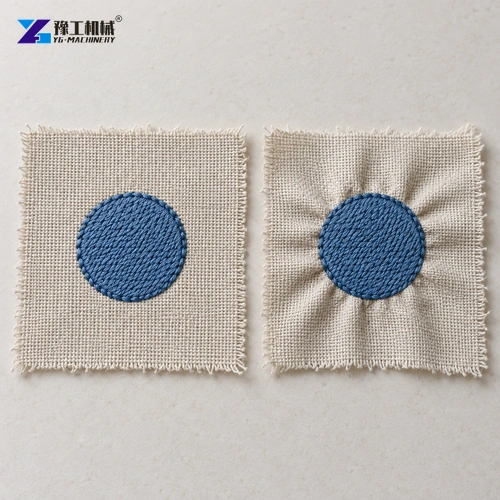
Inspect how outlines meet filled areas, whether small letters remain distinguishable and whether the fabric lies naturally around the emblem after release from the frame. A logo that looks aligned while stretched in the hoop may reveal puckering or shifted borders afterward. These observations explain whether the design and support work together; they are more informative than a demonstration of the head moving quickly on unrelated cloth.
Compare at least the relevant product variations when an order includes different sizes or constructions. The same nominal placement reference may interact differently with a seam or opening. Resolve those differences before treating the approved sample as a universal setup for the entire order.
The useful choice of logo embroidery machine follows that evidence. Select the configuration and accessories that can hold the real item, accommodate the prepared design and repeat the approved result within a workable order process. This gives a buyer a firmer comparison than a headline needle count or speed figure.
Use the real item and stitch design to assess the finished result.
Logo Embroidery Machine FAQs
Not necessarily. The hoop, mounting arrangement, item shape and access to the intended position also limit the usable area.
No. Needles provide positions for the thread arrangement. The MINI1201 has one head; needle count and head count describe different functions.
Do not assume that result. Test the design, material support and holding arrangement on representative products before approving the batch.
No. The design, colour sequence, framing, loading and inspection affect completed output. Assess the actual order rather than converting rpm into logos per hour.
Provide the intended products, logo sizes and positions, representative designs and normal order mix. These establish the working-field and accessory requirements.
Include representative products, logo dimensions and positions, designs and normal batch sizes.